
Your installation
guide

Welcome to your new Squarespace template! This guide will walk you through setting up your new Squarespace template for a seamless, confident launch.
Let’s get started
To ensure a smooth installation, make sure you have:

-
Make sure you have an active Squarespace account.
-
Look out for an invitation from Squarespace.
-
Keep your downloaded template files handy for reference.
Installation steps
01. Accept your invitation
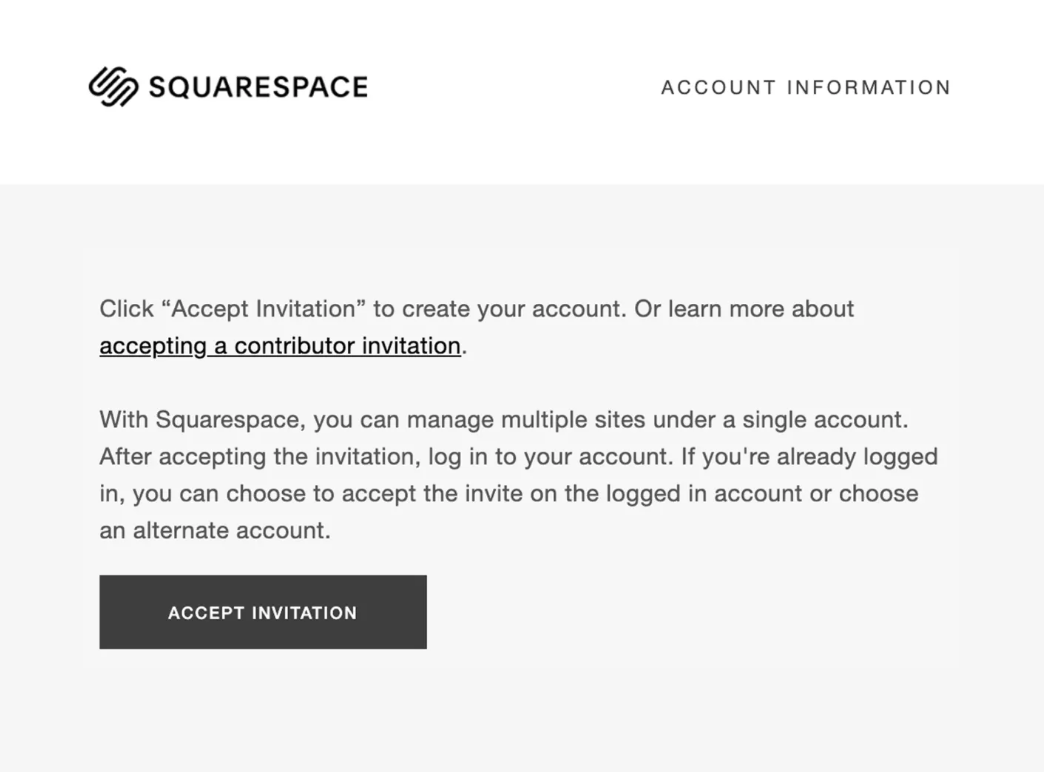
Check your email for a message from Squarespace with the subject line "Contributor Invitation from ThemeMarket".
Open the invitation email and click the “Accept Invitation” button.
Log into your existing Squarespace account.
Your trial website with the template installed will now appear in your SquareSpace Dashboard.
02. Basic site set-up
Access your site In the Squarespace Dashboard, click your new website to open the editor.
Upload your site favicon:
In Site Title & Logo, upload your favicon (the small browser tab icon).
Set your site title and logo:
From the left sidebar, go to Website.
In the preview, click Edit (top left).
Hover over the header area and click Edit Site Header.
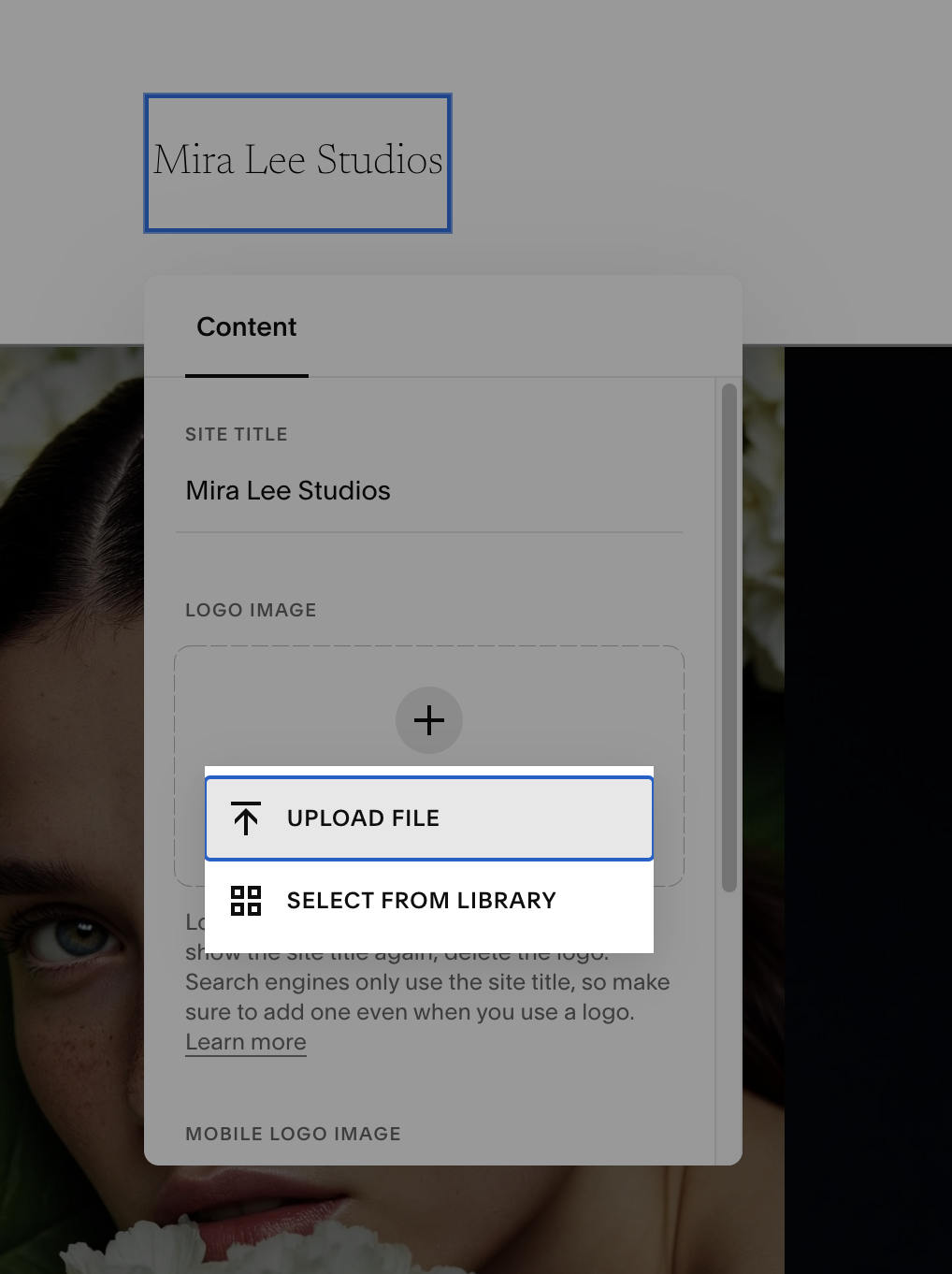
Click Site Title & Logo.
Update the placeholder with your business name.
Upload your Logo.
Add a different logo version for desktop and mobile (optional).

03. Basic content editing
Navigate to a Page:
In the Website panel, click Pages.
Select a page to edit (ex: Home, About, Blog).
Enter Edit mode:
Click Edit (top left in the preview).
Editing text:
Click directly on any text block.
Use the inline toolbar to format (bold, italics, heading 1, heading 2, etc.), and add links.
Tip: stick to the pre-set heading styles for a consistent, professional layout.
Replacing images:
Hover over any image block and click Edit.
Click Replace to upload your own image or select from your library.
You can Edit the image to crop, apply filters, or adjust settings as needed.
Go to the Content tab (in the image editor) and add descriptive Image Alt Text
(ex: "Happy client receiving photography services from Your Business Name").
Click Save or Exit to return to the main Squarespace menu.
Support every step of the way
30 days of unlimited support
Your purchase includes 30 days of unlimited email support to help you get your site set up with confidence. We’re happy to help with:
Questions about template setup
Troubleshooting any template issues
Accessing your purchased files
Contact us anytime
Have more questions or need additional support?
Feel free to email us at any time: support@thememarketco.com